
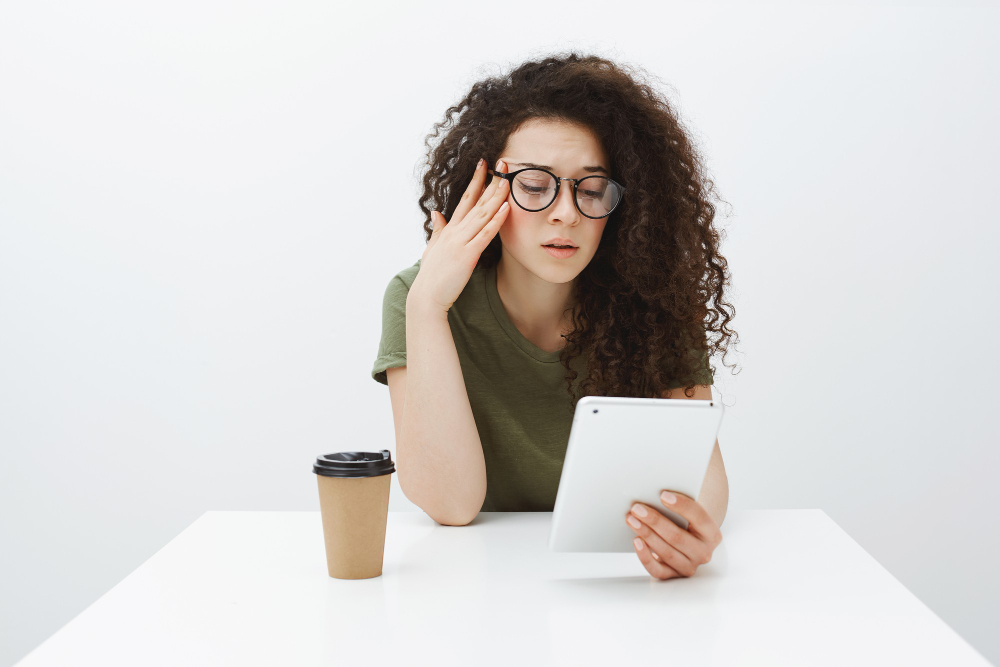
What Is Eye Fatigue?
Many people want to prevent eye fatigue, especially when reading or using screens. Eye fatigue, also called eye strain, happens when your eyes feel tired or sore after focusing for a long time. For example, reading small print or staring at a computer can make your eyes work harder. As a result, you may notice discomfort or trouble seeing clearly. According to the American Academy of Ophthalmology, eye fatigue is common but usually not serious. However, it can affect your daily comfort and focus.
Common Symptoms of Eye Fatigue
Often, eye fatigue leads to several noticeable symptoms. Knowing these signs can help you take action early. For instance, you might feel:
Sometimes, these symptoms get worse after long reading or screen sessions. If you notice any of these, it is a sign your eyes need a break.
Causes of Eye Fatigue from Reading or Screen Use
Many daily habits can cause eye fatigue. For example, reading for long periods without breaks puts stress on your eyes. Likewise, using digital screens for work, school, or fun can make your eyes tired. In addition, poor lighting or glare from screens can make things worse. Some common causes include:
Because screens are part of daily life, it is important to learn how to reduce eye strain from screens and reading.
Evidence-Based Prevention Tips
Fortunately, you can prevent eye fatigue with simple steps. Medical experts, including the CDC and WHO, suggest these tips:
Because these steps are easy to follow, they help with digital eye strain prevention and support eye health for readers.
Lifestyle and Ergonomic Guidance
Besides taking breaks, your daily habits and workspace setup matter. For instance, good posture and lighting can make a big difference. Try these eye health tips for readers and screen users:
Because these changes are simple, they can help you reduce eye strain from screens and reading every day.
When to Seek Medical Advice
Most eye fatigue goes away with rest and simple changes. However, sometimes you may need to see a doctor. For example, seek medical advice if you:
Because some eye problems can be serious, it is important to get help if symptoms do not improve. Regular eye exams can also help keep your eyes healthy, especially if you use screens often.